![logo-inverted-2.png]](https://support.mapstand.com/hs-fs/hubfs/logo-inverted-2.png?height=50&name=logo-inverted-2.png)
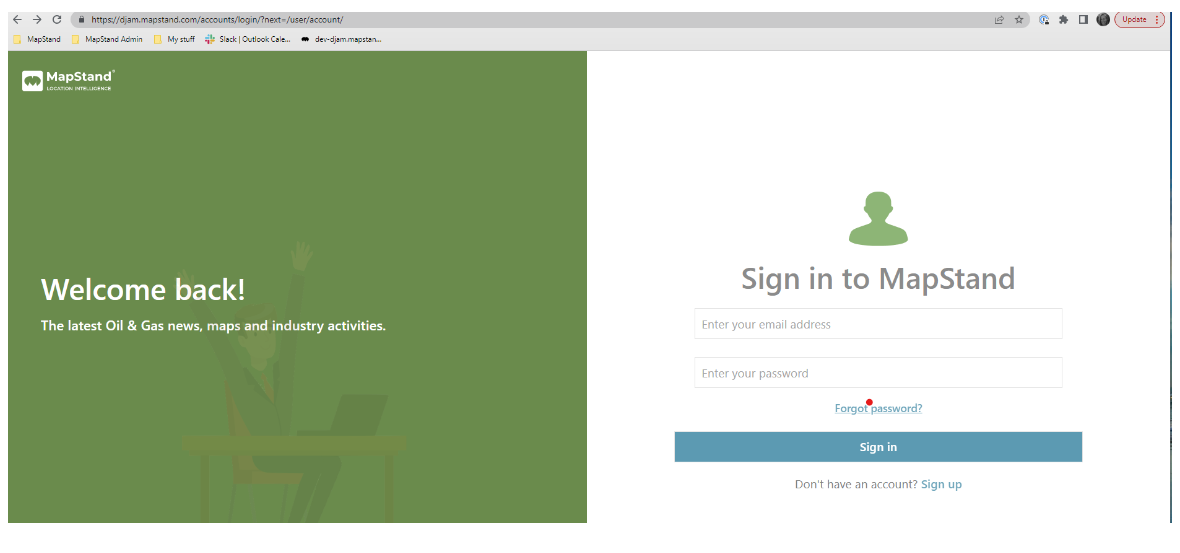
If you've forgotten your password, simply Navigate to the Sign In page for the MapStand Platform and click on Forgot Password? (see below).
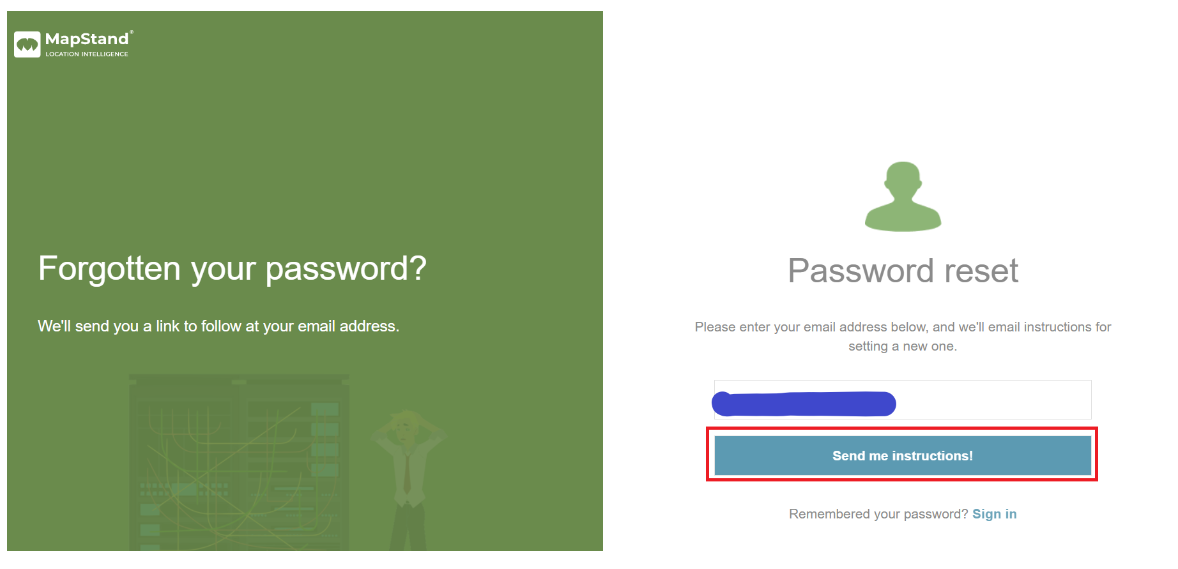
Type in your account email address then click on the "Send me instructions!" button.
An email from MapStand Platform Administrator will be sent to the email address entered.
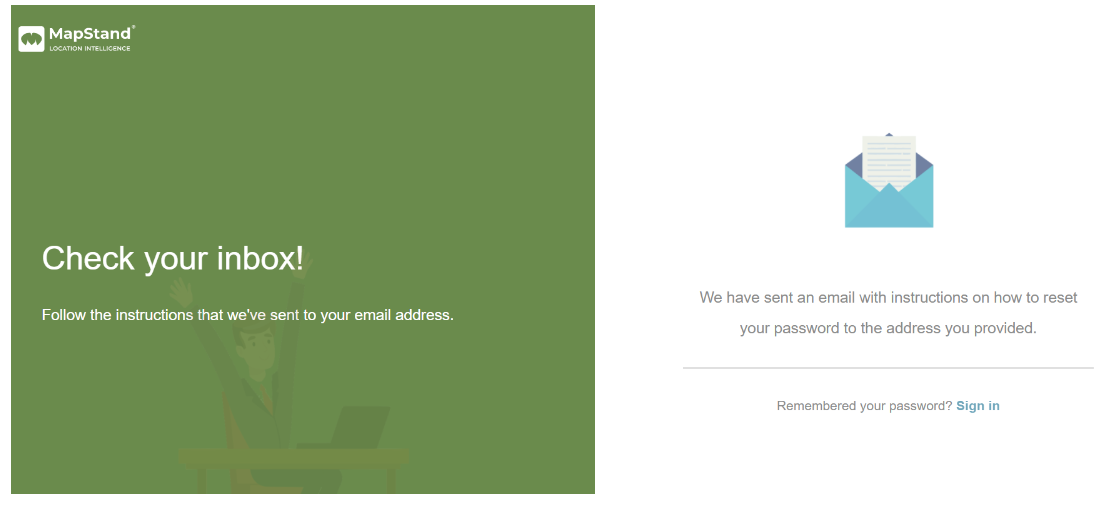
Simply, click on the Reset Password link in the email and follow the instructions to reset your password.